WordPress Maintenance
A Website That Keeps Working Long After Launch
WordPress maintenance matters because a website is a constantly changing system. WordPress, themes, plugins, and often the server environment all receive updates.
Regular maintenance keeps your site secure, stable, fast, and up to date without requiring you to manage the technical details.
Update with a safety net
Why Does Regular Maintenance Matter?
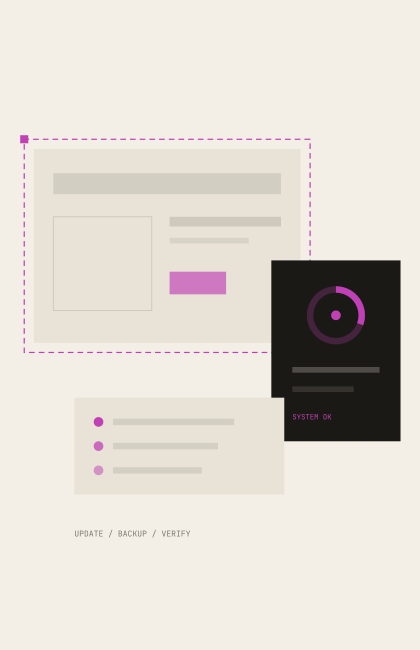
Updates include bug fixes and security patches, but they can also cause compatibility issues. If you are unsure about the current state of your site, a website audit can help assess what needs doing. That is why blindly clicking every Update button is not a good approach.
Maintenance can reduce:
- 01
security risks from outdated software
- 02
downtime caused by failed updates
- 03
data loss
- 04
performance issues that go unnoticed
- 05
compatibility issues
- 06
functional issues discovered too late
Maintenance scope
What Does WordPress Maintenance Include?
Regular maintenance covers updates, backups, error checks, and performance reviews. I tailor the work to each site. The aim is to keep it working after every update.
- CHECK / 01
WordPress core updates
- CHECK / 02
theme and plugin updates
- CHECK / 03
backup before updates
- CHECK / 04
database and file backups
- CHECK / 05
malware and security checks
- CHECK / 06
checks of essential functions
- CHECK / 07
testing forms and store functions
- CHECK / 08
plugin review
- CHECK / 09
monitoring performance issues
- CHECK / 10
reviewing caching and technical settings
- CHECK / 11
minor technical fixes
Backup before update
Backups and Recovery
A backup is only useful if it can restore the site when something goes wrong. Preserving that option is part of every update process.
A backup strategy matters especially for online stores and frequently updated sites, where new data appears much faster than on a simple brochure site.
Security monitoring
Security and Malware Checks
WordPress is popular, which makes it a frequent target for automated attacks.
Maintenance includes checking for suspicious files, changes, and known vulnerabilities, as well as reviewing essential security settings.
If I find an infection or suspicious change, I address it separately and recommend ways to strengthen security where needed.
Performance health
Performance and Technical Health
A site can slow down over time as unused database entries accumulate, plugins change, caching deteriorates, or oversized images are uploaded. I monitor performance and Core Web Vitals as part of maintenance.
Small improvements
Small Improvements Are Included
Maintenance is more than technical work behind the scenes. A major new feature or more complex change, however, becomes a separate WordPress development project.
- 01text or image changes
- 02small layout adjustments
- 03a new field or content element
- 04form changes
- 05technical bug fixes
- 06minor frontend refinements
Related services
Improve an Existing Site, or Review It First?
When maintenance matters
Who Benefits from Maintenance?
Regular maintenance is especially valuable when the site's reliability directly affects your business. If you are still planning a new site, I also consider its future upkeep during WordPress Website Development the development process.
your website is important to your business
it runs an online store or booking system
you regularly receive leads through forms
you do not have an in-house technical specialist
you would rather not manage WordPress updates
backups and timely technical help matter to you
Would You Like Someone to Keep an Eye on Your Site's Technical Health?
Tell me about your WordPress site and I will assess what kind of maintenance it needs.
Discuss MaintenanceFrequently Asked Questions
WordPress maintenance: FAQs
Why are automatic updates alone not enough?
Updates can cause compatibility issues. It is important to back up the site first and verify that its main functions still work afterwards.
How often does a WordPress site need maintenance?
It depends on the site's complexity and use. A busy store or booking system may need more frequent checks than a rarely updated brochure site.
Do you maintain online stores too?
Yes. On WooCommerce sites, I pay particular attention to checkout, payment and shipping, as well as backups of frequently changing data.
Can you maintain a site built by someone else?
Yes. I first review the site's condition, plugins and any existing issues.
Does maintenance include new development?
Small content and technical changes may be included. New features or larger changes are scoped separately.
Can I request maintenance if the site already has problems?
Yes. I assess existing issues first, then recommend fixes and an ongoing maintenance plan.